Key takeaways
- llms.txt is a plain Markdown file at /llms.txt that gives AI tools a short summary of your site and links to your most useful pages.
- It was proposed by Jeremy Howard in September 2024. It is a community proposal, not an official web standard.
- Google says you don’t need special AI text files or markup to appear in AI Overviews or AI Mode, so treat llms.txt as a low-cost extra, not a ranking factor.
- On WordPress, Yoast SEO can generate llms.txt for you. Shopify has no built-in option, so it needs an app or a small workaround.
The short answer
If you run a Shopify store or a WordPress site, an llms.txt file is quick to add and does no harm. It gives AI assistants a clean, curated map of your business: who you are, what you sell and which pages matter most. But it will not, on its own, get you into ChatGPT or Google’s AI answers. Crawler access, indexing and clear, useful pages still do the heavy lifting.
What is llms.txt?
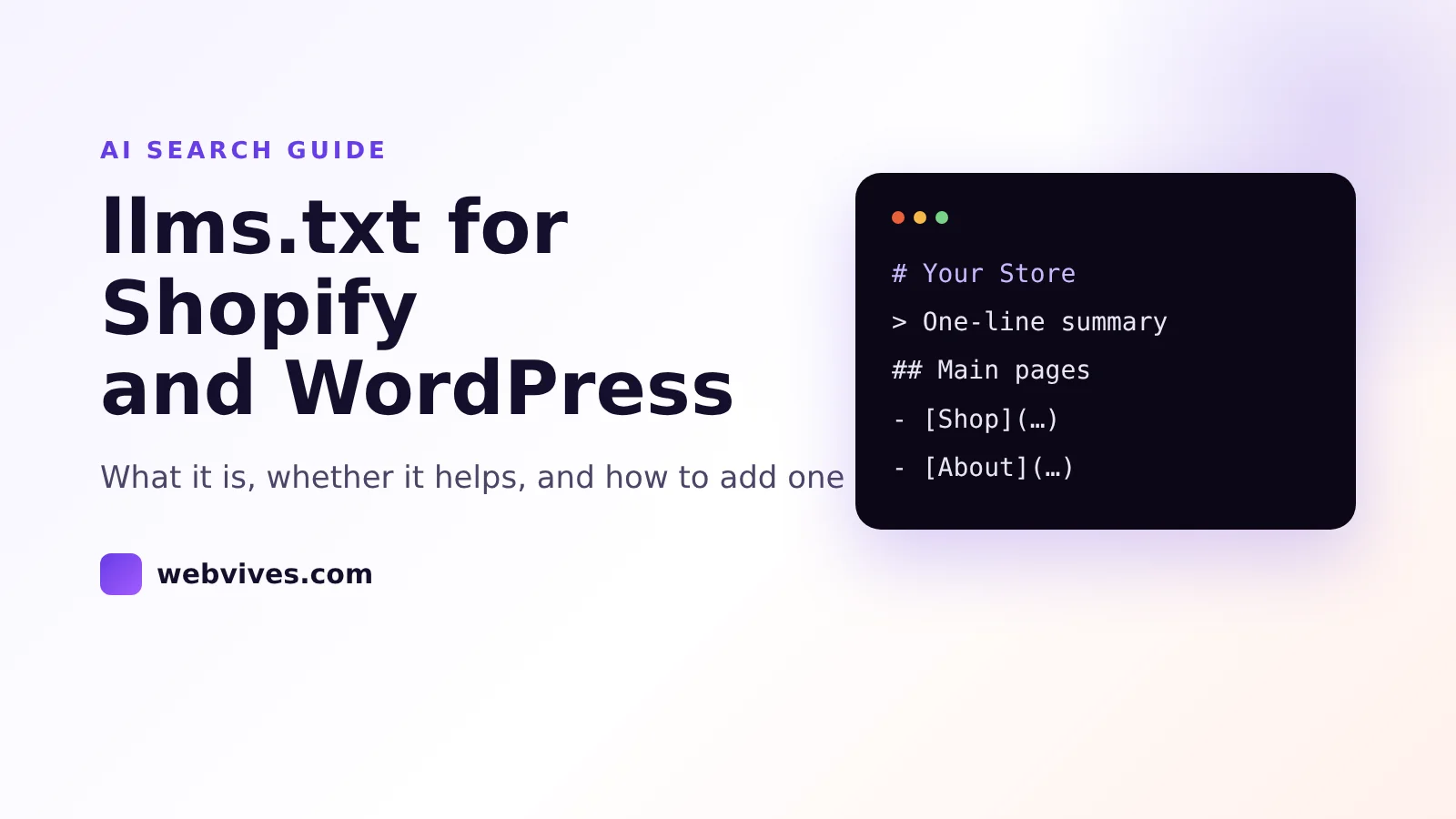
llms.txt is a proposal from Jeremy Howard, published in September 2024 on llmstxt.org. The idea is simple: websites are full of navigation, scripts and ads that make them hard for large language models to read. A short Markdown file at the root of your site gives AI tools the essentials in a format they handle well.
The proposal says llms.txt complements robots.txt and sitemaps rather than replacing them. robots.txt says what bots may crawl, the sitemap lists every page, and llms.txt points to the pages that best explain your business.
What goes in an llms.txt file
The format follows a fixed order:
- An H1 with the name of your business or site. This is the only required part.
- A short summary in a blockquote: one or two sentences on what you do and who you serve.
- Optional detail paragraphs, for example key facts such as services, locations or pricing approach.
- H2 sections with lists of links in the form [Page name](URL): short note.
- An optional H2 section called “Optional” for links an AI tool can skip when it needs a shorter version.
A simple example for a small Shopify or WordPress business:
# Example Store

> Example Store sells handmade leather bags and wallets, shipping to the US, UK and EU.

## Main pages

- [Shop all bags](https://example.com/collections/bags): full range with sizes and prices
- [Shipping and returns](https://example.com/policies/shipping): delivery times and the 30-day return policy
- [About us](https://example.com/about): who makes the products and where

## Optional

- [Blog](https://example.com/blog): care guides and gift ideas
You can see a live example on our own site at webvives.com/llms.txt.
Does llms.txt help SEO or AI visibility?
Be realistic about it. Google’s documentation on AI features says there are no additional requirements to appear in AI Overviews or AI Mode, and that you don’t need to create new machine-readable files, AI text files or special markup. A page simply has to be indexed and eligible to show a snippet in Search.
So llms.txt is not a Google ranking factor. Its value is as a tidy, low-effort summary for AI tools that choose to read it, and as a forcing exercise: writing it makes you decide which pages and facts really describe your business. The bigger wins for AI visibility are the basics:
- Let the right crawlers in (see the robots.txt section below).
- Make sure your key pages are indexed in Google Search Console and Bing Webmaster Tools.
- Answer real customer questions clearly near the top of each page.
- Keep business details, services and prices consistent everywhere.
How to add llms.txt on WordPress
The easiest route is Yoast SEO, which can generate and refresh the file automatically. According to Yoast, you turn it on under Yoast SEO → Settings → Site features → AI tools → llms.txt, then save. Yoast picks the pages for you, or you can switch to manual page selection. It is not available on multisite installs.
If you use another SEO plugin, check its settings for an llms.txt option, or add the file with a small code snippet. After you add it, open yoursite.com/llms.txt in a browser to confirm it loads as plain text.
How to add llms.txt on Shopify
Shopify does not let you place your own files at the root of your domain, and its help pages don’t offer a built-in llms.txt setting. The usual options are:
- An app from the Shopify App Store that creates and serves /llms.txt for you.
- A text file uploaded in Content → Files, with a URL redirect from /llms.txt to that file.
Whichever route you choose, test that yourstore.com/llms.txt opens and shows your content. For Shopify stores, AI shopping channels rely far more on your product data through Shopify Catalog than on llms.txt. See our guide to getting your Shopify products into ChatGPT.
Check robots.txt first
llms.txt does nothing if AI crawlers are blocked. OpenAI uses separate bots for different jobs, and you control them in robots.txt:
| Bot | What it does |
|---|---|
| OAI-SearchBot | Finds pages to show in ChatGPT search answers. Blocking it keeps you out of those answers. |
| GPTBot | Crawls content that may be used to train OpenAI’s models. Blocking it opts you out of training. |
| ChatGPT-User | Visits pages when a ChatGPT user asks it to. It is not an automatic crawler. |
Many businesses allow OAI-SearchBot so they can appear in ChatGPT search, and decide on GPTBot separately. For Google, AI Overviews use the normal Googlebot rules.

Frequently asked questions
What is an llms.txt file?
llms.txt is a Markdown file at the root of your website that summarizes your business for AI tools and links to your most important pages. It was proposed by Jeremy Howard in 2024.
Do I need llms.txt to appear in Google AI Overviews?
No. Google says there are no special files or markup needed for AI Overviews or AI Mode. Pages need to be indexed and eligible to show a snippet.
How do I add llms.txt to WordPress?
The simplest way is Yoast SEO: go to Yoast SEO, Settings, Site features, AI tools, turn on llms.txt and save. Other plugins or a small code snippet can also do it.
Can I add llms.txt to Shopify?
Not natively. Use a Shopify app that serves /llms.txt, or upload a text file in Content, Files and redirect /llms.txt to it. Then test the URL in your browser.