Key takeaways
- SEO spam hacks are built to stay hidden from you: spam links are pushed off-screen and spam posts are often only visible to Google.
- Removing the spam isn’t enough. You also need to remove backdoors and fix how the attacker got in, or the spam comes back.
- Pirated (nulled) premium plugins and outdated software are the most common entry points we find.
- After cleaning, change every password and the WordPress security keys, and remove the spam URLs from Google.
What an SEO spam hack looks like
We recently cleaned a WordPress business site that looked completely normal to its owner. Behind the scenes it had around 22 casino spam posts, a rogue administrator account, a post whose URL had been changed by the malware, and invisible spam links injected into real page content.
This is a classic SEO spam hack. The attacker isn’t trying to break your site; they’re borrowing your domain’s reputation to rank their own pages. That’s why the spam is designed to be invisible to you and visible to Google.
Warning signs to look for
- Google shows casino, betting, pharma or foreign-language pages when you search site:yourdomain.com.
- Google Search Console lists pages or search queries that have nothing to do with your business.
- There are administrator accounts you didn’t create in Users.
- Posts or pages you don’t recognize, sometimes with strange URLs.
- Visitors, often only on mobile or only from Google, are redirected to other sites.
- Your host sends a malware warning, or Google shows “This site may be hacked”.

How to find the hidden spam links
Spam links are usually hidden with CSS so they don’t show on screen. Open one of your pages, choose View Page Source, and search for:
- Words like casino, slot, bet, viagra or links to domains you don’t know.
- Elements positioned far off-screen (for example a large negative left or top value), or hidden with display:none or zero height.
- Unfamiliar wrapper classes around blocks of links.
In the case above, the spam sat inside hidden containers with their own class names, wrapped around real content, so the page looked normal in the editor and in the browser.
Step 1: Back up and lock things down
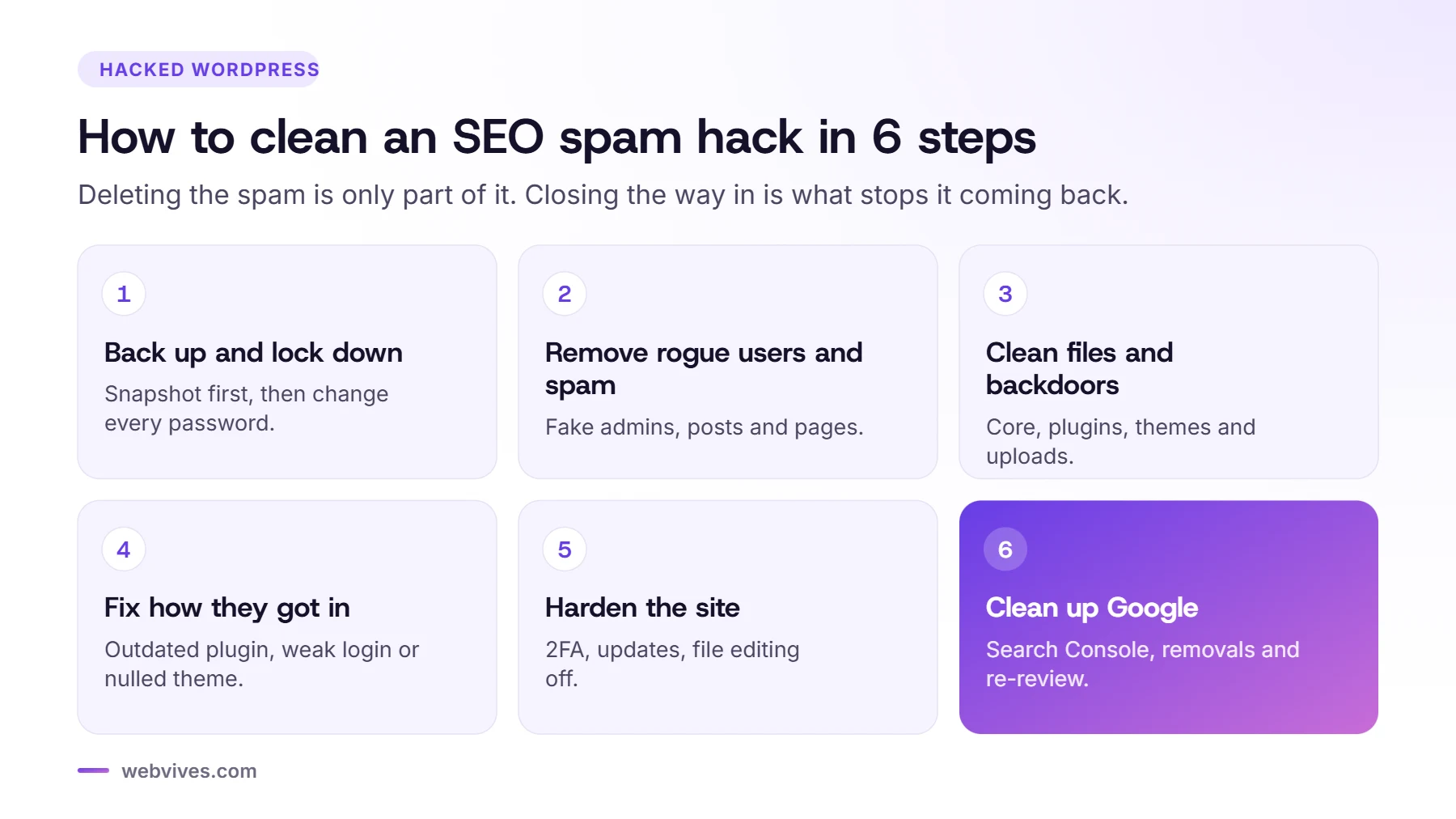
- Take a full backup of files and database before changing anything, so you have a copy for investigation.
- Change your hosting, WordPress admin, database and SFTP passwords. Do it from a device you trust.
- If the site is actively redirecting visitors, put it into maintenance mode while you work.
Step 2: Remove rogue users and spam content
- Go to Users and delete any account you don’t recognize, especially administrators. Reassign their content to your own account only if it’s real content.
- Sort Posts and Pages by date and look for spam published around the same time. Check drafts, private posts and trash too.
- Search your content for spam keywords and hidden wrappers. On larger sites, a developer can search the database directly (the post content and options tables) to find every injected block.
- Check reusable blocks, widgets, menus, template parts and theme builder elements, which are easy to miss.
Step 3: Check files and remove backdoors
Attackers almost always leave a way back in. Check these places carefully:
- wp-content/uploads: there should be no PHP files here at all.
- wp-content/mu-plugins: must-use plugins load automatically and don’t show on the normal plugins screen.
- Your theme’s functions.php and any unfamiliar files in the theme or plugin folders.
- The site’s root folder: unknown PHP files, and changes to .htaccess, wp-config.php or index.php.
- Scheduled tasks (cron events) that recreate spam or users.
Look for code using functions like eval, base64_decode, gzinflate or code that creates new users, but be careful: some legitimate plugins use these too. When in doubt, replace WordPress core files with a fresh copy and reinstall plugins and themes from their official sources.
Step 4: Fix how they got in
The most common causes we find:
- Nulled premium plugins or themes. Pirated copies often come with malware built in. In the case above, the premium plugins showed invalid licences, which pointed straight to them. Replace them with official, licensed copies.
- Outdated plugins and themes with known security holes.
- Weak or reused passwords, and no two-factor login.
- Old sites on the same hosting account that got hacked first and infected their neighbours.
Step 5: Harden the site
- Generate new WordPress security keys and salts in wp-config.php. This logs everyone out, including any attacker sessions.
- Turn on two-factor login for every administrator.
- Give each person only the role they need, and remove old accounts.
- Disable the built-in theme and plugin file editor.
- Set up a firewall, daily off-site backups and uptime monitoring.
- Purge every cache (plugin, server and CDN) so visitors don’t see old spam pages.
Step 6: Clean up Google
Make sure every spam URL now returns a 404 or 410 error. In Google Search Console, use the Removals tool to hide the most visible spam URLs temporarily, check Security issues and Manual actions, and request a review if Google flagged the site. Then resubmit your sitemap. Spam URLs drop out of the index as Google recrawls them.
How to stop it happening again
Most hacks we clean were preventable with basic, regular care: updates, backups, monitoring, strong passwords and no pirated plugins. If you don’t have time to do that every month, a care plan is far cheaper than a cleanup, lost rankings and a damaged reputation.
Frequently asked questions
How do I find hidden spam links on my WordPress site?
Search Google for site:yourdomain.com with words like casino, slot or pharma, check Google Search Console for pages you didn’t create, and view the source of your pages for content hidden with CSS, such as elements positioned far off-screen or set to display:none.
Will deleting the spam posts fix my hacked site?
Usually not. Attackers leave backdoors and rogue admin accounts so they can come back. You need to remove those, update or replace vulnerable plugins, and change all passwords and security keys.
How long does it take for spam pages to disappear from Google?
Once the spam pages return a 404 or 410 error, Google drops them as it recrawls your site, which can take days to weeks. Search Console’s Removals tool can hide urgent URLs temporarily while that happens.
Can a security plugin clean my site?
Security plugins catch many known infections, but SEO spam often hides in the database and in post content where scanners miss it. A manual check of users, posts, options and files is the reliable way.
Sources and further reading
- Spam policies for Google web search (Google Search Central)
- #NoHacked: identifying injected gibberish URL hacking (Google Search Central Blog)
- Hardening WordPress (WordPress.org)