Key takeaways
- The US Justice Department says businesses open to the public must make their websites accessible to people with disabilities.
- There is no single required technical standard for private businesses, but WCAG 2.1 or 2.2 Level AA is the benchmark used in practice.
- Ecommerce is the most-sued sector for digital accessibility. UsableNet counted 5,114 digital accessibility lawsuits in 2025, and 70% targeted ecommerce.
- Fix the purchase journey first, publish an accessibility statement, and talk to a lawyer if you receive a demand letter.
The short answer
The Americans with Disabilities Act (ADA) doesn’t mention websites by name, but the US Justice Department says businesses open to the public must give people with disabilities equal access to their goods and services, including online. For a Shopify store, that means customers using a keyboard, a screen reader or zoom must be able to find products and buy them. The practical benchmark is WCAG 2.1 or 2.2 Level AA.
What the US Justice Department says
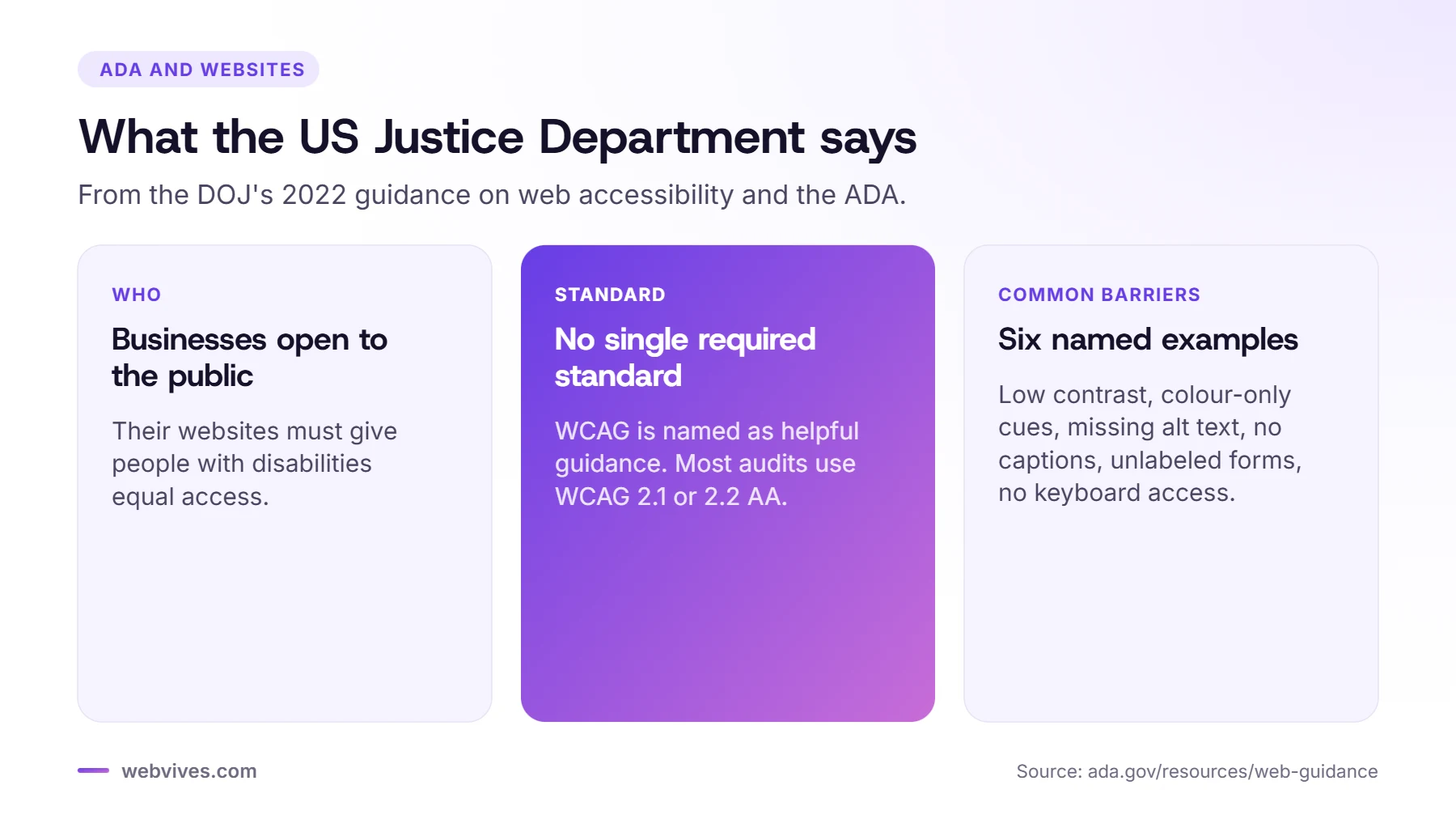
In March 2022, the Justice Department published guidance on web accessibility and the ADA. The key points for stores:
- Businesses open to the public (covered by Title III of the ADA) must make their web-based goods and services accessible.
- There is no detailed federal regulation for private business websites. Businesses have flexibility in how they comply.
- WCAG and the Section 508 standards are named as helpful guidance.
- It lists common barriers: poor color contrast, using color alone to convey information, missing alt text, videos without captions, forms without labels or clear errors, and sites that can’t be used with a keyboard.
What about the 2024 rule?
In 2024 the Justice Department adopted a rule requiring WCAG 2.1 Level AA, but it applies to state and local governments under Title II, not to private online stores. Under a 2026 update, compliance dates are April 2027 for larger governments and April 2028 for smaller ones. It’s still a useful signal: WCAG 2.1 AA is the standard US regulators reach for.
Why ecommerce stores get sued
Online stores are easy to test from anywhere, and a single barrier in the checkout journey can block a purchase. According to UsableNet’s 2025 year-end report, 5,114 ADA digital accessibility lawsuits were filed in 2025 in federal courts and New York and California state courts, and 70% targeted ecommerce. Many more cases start with a demand letter and settle before a lawsuit is filed.
Common issues raised against stores include:
- Menus, filters and cart drawers that can’t be used with a keyboard
- Product images without alt text
- Buttons and icons without accessible names, such as an unlabeled cart or close button
- Low-contrast text, buttons and sale prices
- Popups that trap or hide keyboard focus

What to fix first
- The purchase journey: header and menu, search, collection page, product page, cart drawer and the path to checkout.
- Keyboard access and focus: every control reachable, focus always visible, no traps.
- Labels and names: buttons, icons and form fields need text a screen reader can read.
- Images and contrast: alt text on product images and enough contrast on text and buttons.
- Media and popups: no autoplay without controls, and popups that can be closed with Esc.
Our Shopify accessibility checklist covers each area in detail.
If you receive a demand letter
Don’t ignore it, and don’t reply on your own. Speak to a lawyer who handles ADA cases. In parallel, get an independent audit of your store, start fixing the issues that block purchases, and keep records of what you fix and when. A documented plan and real progress put you in a much better position than a quick widget install.
Show your commitment
Publish an accessibility statement that says which standard you aim for, lists any known issues and gives customers a way to report problems or order another way. The Justice Department’s guidance also recommends giving people a way to report accessibility issues. Respond quickly when someone does.
This article is general information, not legal advice. For advice on your situation, speak to a qualified lawyer.
Sources and further reading
- Guidance on web accessibility and the ADA (US Department of Justice)
- Fact sheet: new rule on web and mobile accessibility for state and local governments (US Department of Justice)
- 2025 year-end digital accessibility lawsuit report (UsableNet)
- What’s new in WCAG 2.2 (W3C WAI)
Frequently asked questions
Does the ADA apply to Shopify stores?
The US Justice Department says businesses open to the public must make their online goods and services accessible, so US-facing online stores should treat ADA accessibility as a requirement.
What standard should a Shopify store meet for the ADA?
There is no single required standard for private businesses, but WCAG 2.1 or 2.2 Level AA is the benchmark used in practice.
Can I be sued if my store uses a Shopify theme?
Yes. Themes, apps and content all affect accessibility, and the store owner is responsible for the customer experience.
Does an accessibility widget protect me from lawsuits?
No. Widgets don’t fix the underlying code, so the barriers that lead to complaints are still there. Fix the theme and content instead.
What should I do if I get an ADA demand letter?
Speak to a lawyer, get an independent audit, start fixing barriers in the purchase journey and document your progress.