Key takeaways
- Wix is a good choice for simple sites that need to go live quickly with little technical work.
- WordPress is the better choice when you want ownership, full SEO control, better speed tuning and room to grow.
- Wix doesn’t export your full website, so a move to WordPress means rebuilding pages and moving content, not a one-click export.
- With proper 301 redirects, you can switch platforms without losing your Google rankings.
The short answer
Wix is a good tool. If you need a simple website live this week and you don’t plan to grow it much, it does the job. But many businesses reach a point where Wix starts holding them back: they want more speed, more SEO control, more features or simply to own their website. That’s when WordPress becomes the better choice.
Wix vs WordPress side by side
| Wix | WordPress | |
|---|---|---|
| Ownership | Hosted on Wix; the full site can’t be exported | You own the files and database and can host anywhere |
| Getting started | Very quick, drag and drop | Needs setup, or a developer |
| Speed tuning | Limited control | Full control over theme, caching and hosting |
| SEO control | Good basics | Full technical control, plus strong SEO plugins |
| Features | Wix apps | Tens of thousands of plugins plus custom code |
| Maintenance | Handled by Wix | Updates and backups needed (DIY or care plan) |
When it makes sense to stay on Wix
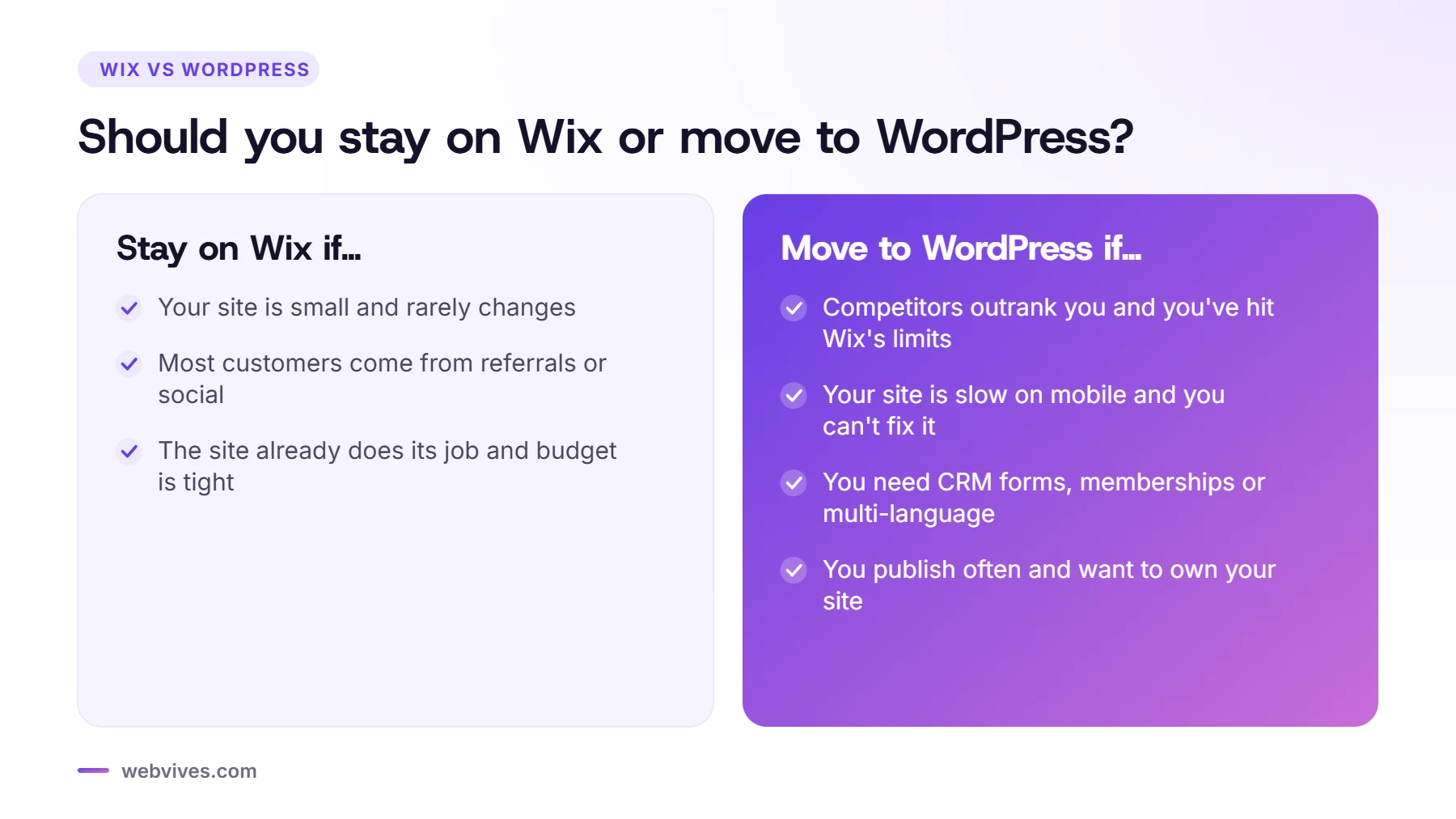
- Your site is small (a few pages) and changes rarely.
- Most of your customers come from referrals or social media, not Google.
- You have no budget for a rebuild right now, and the site is doing its job.
There’s no point moving just for the sake of it. A migration should solve a real problem.
Signs it’s time to switch to WordPress
- Your competitors outrank you and you’ve hit the limit of what you can change on Wix.
- Your site feels slow on mobile and you can’t fix the cause.
- You need features Wix can’t do well: advanced forms and CRM, memberships, multi-language, complex bookings or custom integrations.
- You publish a lot of content and want better blogging, categories and internal linking.
- You want to own your site and not depend on one company’s platform and pricing.
Speed and SEO in practice
Wix has improved its performance and SEO tools a lot in recent years, and a simple Wix site can rank well for local searches. The difference shows up in competitive markets, where small technical advantages add up: faster mobile pages, cleaner HTML, custom structured data, flexible URL structures and well-organized content hubs.
On WordPress, all of that is in your hands. A lean theme, good hosting and proper caching usually make a well-built WordPress site faster than the same site on Wix, and plugins like Rank Math or Yoast give you fine control over titles, schema, sitemaps and redirects.
What about AI search?
More people now ask ChatGPT, Perplexity or Google’s AI Overviews instead of clicking through search results. These tools favor sites with clear, well-structured content and structured data. WordPress makes it easier to add detailed schema, FAQ sections and files like llms.txt that help AI tools understand your business.
How the costs compare
On Wix you pay a monthly premium plan, plus any paid apps. On WordPress you pay for hosting (often about $10–$30/month for a small business site), any premium plugins, and either your own time or a care plan for maintenance. The one-time cost is the migration itself, which for a small business site typically starts at a few hundred dollars and depends mostly on the number of pages and features.
What a Wix to WordPress migration involves
Because Wix doesn’t export full websites, a migration is really a careful rebuild:
- Inventory: list every page, blog post, form, booking and image, and export your top pages from Google Search Console.
- Rebuild: recreate the design on a fast WordPress theme using blocks, either matching your current look or refreshing it.
- Move content: pages and images are moved across, and blog posts can often be imported from the Wix RSS feed and then cleaned up.
- Rebuild features: contact forms, bookings and newsletters with WordPress tools such as Fluent Forms and FluentBooking.
- Redirect URLs: map every old Wix URL (for example /post/your-article) to its new WordPress URL with a 301 redirect.
- Switch the domain: point your domain to the new hosting without disturbing your business email.
How to protect your rankings during the move
Keep the same page titles, meta descriptions and main content on your important pages, redirect every URL that gets traffic, and submit your new sitemap in Search Console on launch day. Then watch for 404 errors for the first few weeks and fix any you missed. Done this way, most sites keep their rankings, and many improve once the faster, better-structured WordPress site is live.

Our verdict
If your website is a core part of how you win customers, especially from Google, WordPress gives you more control and more room to grow. If your website is a simple online business card, Wix may be all you need. Either way, make the decision based on what the site needs to do for your business over the next few years, not just today.
Frequently asked questions
Is WordPress better than Wix for SEO?
WordPress gives you more control over technical SEO, site structure, speed and content, which matters most in competitive markets. Wix has improved a lot and is fine for simple local sites, but it limits how far you can optimize.
Can I export my Wix site to WordPress?
Not directly. Wix doesn’t export full websites. Blog posts can sometimes be imported via the Wix RSS feed, but pages, design and most features need to be rebuilt in WordPress.
Will I lose my Google rankings if I move from Wix to WordPress?
Not if you map every old Wix URL to its new WordPress URL with 301 redirects and keep your page titles, descriptions and content.
Is WordPress harder to use than Wix?
Slightly, at the start. A well-built WordPress site with the block editor is easy for daily updates, and many businesses use a care plan so they don’t have to deal with technical updates.
Sources and further reading
- Site moves and migrations (Google Search Central)
- Redirects and Google Search (Google Search Central)